


Description
Download Music Free APK – free music app, Android music player, offline music, music streaming, music download, ringtone maker
Overview
Music Free APK is a desktop-like Android application developed by Alice Olga, designed to deliver unrestricted access to a broad library of music content. The app enables users to stream and download songs, offering a convenient solution for those seeking a free music experience on their mobile devices. It supports both on-demand listening and offline playback, allowing users to enjoy their favorite tracks without an active internet connection. The software caters to casual listeners and music enthusiasts who value flexibility in how and when they consume audio content.
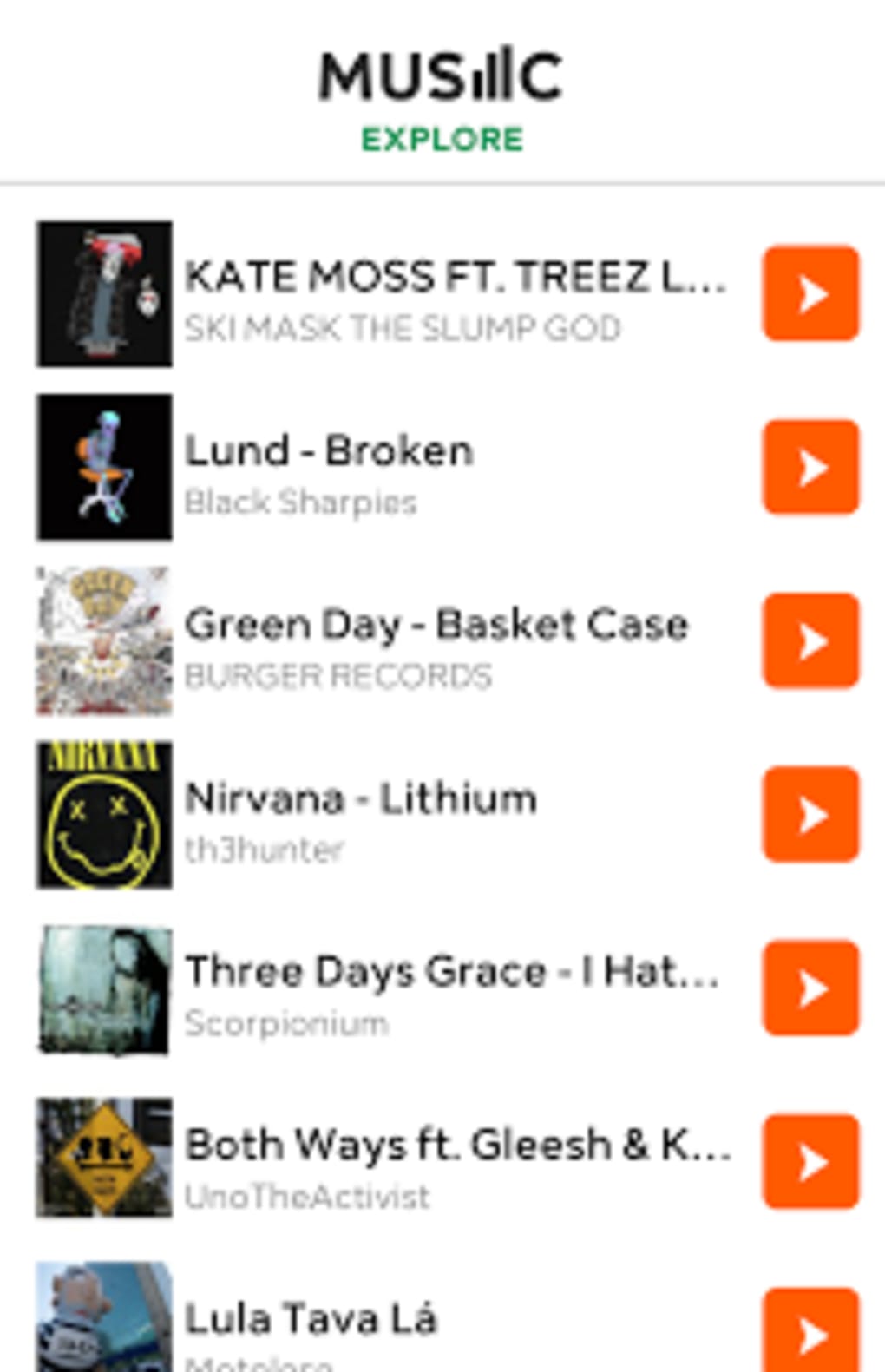
Users can explore music by searching for popular artists or browsing curated playlists, making it easy to discover new songs or revisit familiar ones. The app also includes functionality to set downloaded tracks as ringtones, enhancing its utility beyond standard music playback. This feature is particularly useful for users who want personalized notification sounds without relying on third-party tools. The app’s design focuses on accessibility, with a straightforward interface that prioritizes core audio playback tasks.
While the developer did not provide additional details about the app’s technical architecture or data handling practices, its core functionality centers around music discovery, playback, and customization. The app is intended for Android users seeking a free, no-frills music solution that supports both streaming and offline use. It is especially suited for individuals who want to manage their music library on the go, without the need for subscription-based services.
Key Features & Capabilities
- Unlimited Music Streaming – Access a vast catalog of songs across genres, enabling users to stream tracks without time limits or paywalls.
- Offline Music Playback – Download songs for offline listening, ideal for travel, commuting, or areas with limited connectivity.
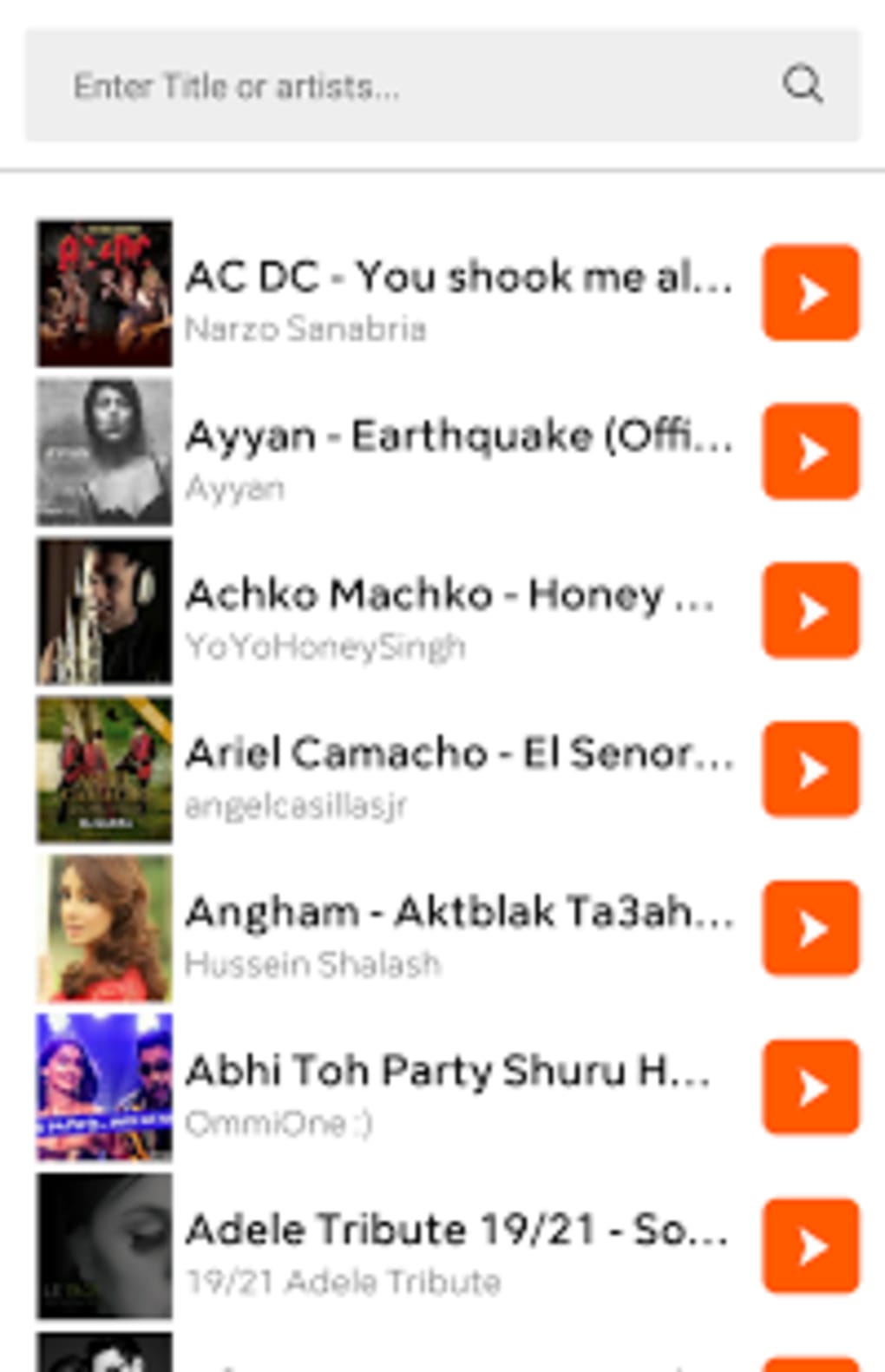
- Search and Discovery Tools – Search for specific artists, albums, or songs, and browse pre-made playlists to discover new music.
- Lock Screen Media Controls – Access playback controls directly from the lock screen, allowing quick song skipping or pausing without unlocking the device.
- Ringtone Creation – Convert downloaded tracks into custom ringtones, offering personalization options for incoming calls and notifications.
- Simple, Intuitive Interface – Designed with ease of use in mind, minimizing the learning curve for new users.
These features collectively support a seamless music experience, from discovery to playback and customization. For example, a user can search for a trending artist, download a favorite track, and set it as their ringtone—all within a single app. The ability to manage playback from the lock screen enhances usability during daily activities like walking or driving, where full app access may not be practical. The app’s focus on core audio functions ensures minimal distractions, making it suitable for users who prioritize functionality over advanced features.
User Interface, Workflow & Performance
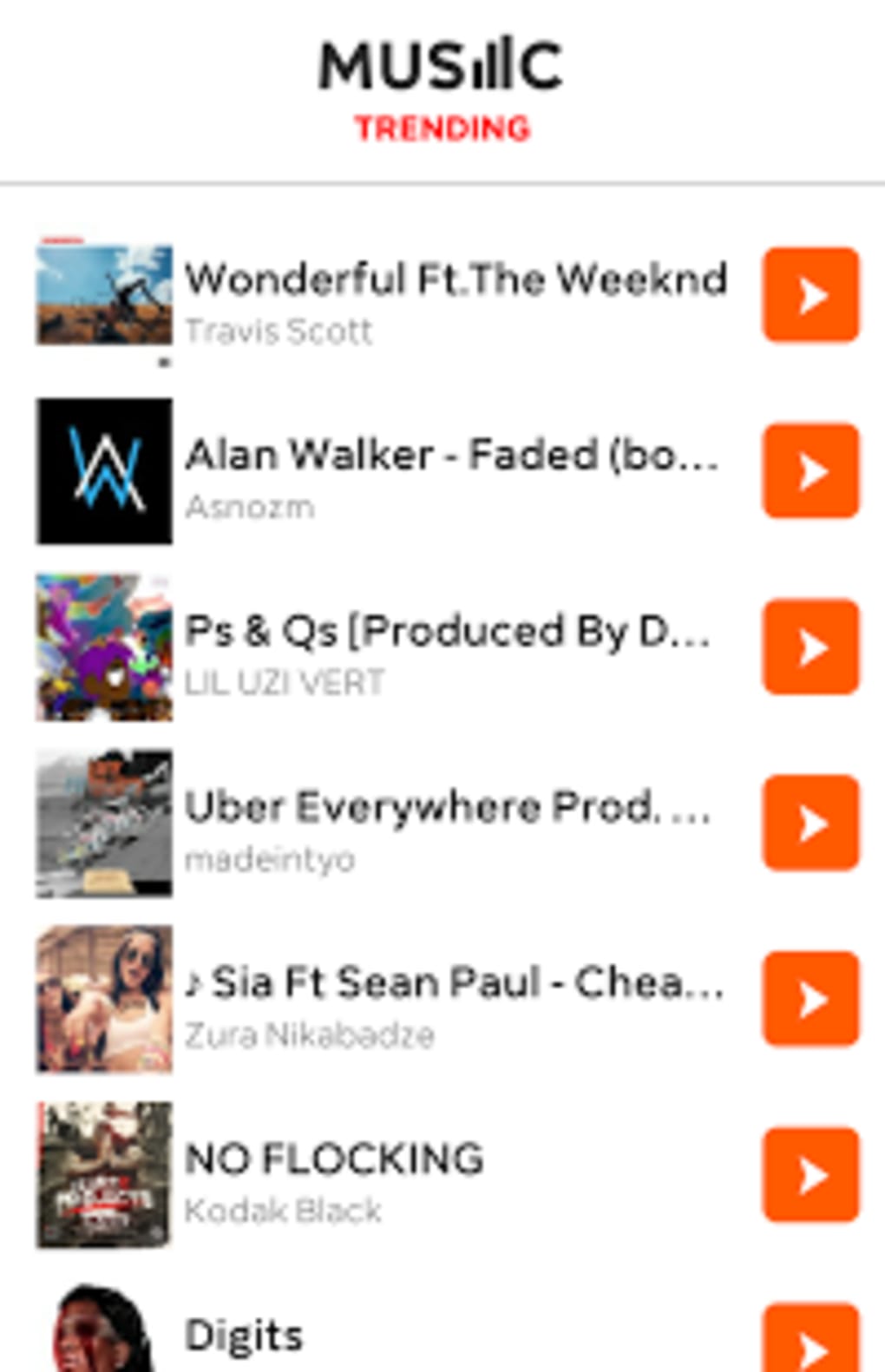
The user interface of Music Free APK is structured around a clean, minimal layout that emphasizes audio playback and navigation. The main screen typically displays a list of recently played tracks, popular playlists, and search options, allowing users to quickly access their preferred content. Navigation is straightforward, relying on tab-based menus and swipe gestures to switch between sections such as Home, Library, and Search.
Workflow efficiency is supported by intuitive controls, including play, pause, skip, and repeat functions, all accessible with a single tap. The app’s design minimizes the number of steps required to perform common tasks, such as starting playback or downloading a song. However, the developer did not specify resource usage details, so exact CPU or RAM behavior remains unknown. Performance observations are based on general software behavior patterns, suggesting stable operation under typical usage conditions.
Stability appears to be a priority, as the app allows continuous playback and background operation without reported interruptions. The absence of in-app advertisements or intrusive pop-ups contributes to a smoother user experience. While no official benchmarks were provided, the app’s lightweight size of 27.8 MB suggests efficient memory usage, which may benefit devices with limited storage or processing power.
Compatibility & System Requirements
Music Free APK is designed for Android operating systems, with version 2.0.3 being the latest release as of 2024-04-12. The application has a file size of 27.8 MB, indicating a compact footprint that should fit well on most Android devices. It is compatible with a range of Android versions, though specific compatibility details were not listed by the developer.
Exact system requirements were not listed, so users should verify if their device meets minimum standards for running Android applications. The app’s lightweight nature suggests it may function on older or mid-tier devices, but this cannot be confirmed without further specifications. Installation is straightforward, requiring only standard Android permissions and storage access to manage music files.
Platform compatibility information is limited, and users are advised to ensure their device supports APK installation from third-party sources, as this is not a Google Play Store distribution. This may affect the availability of automatic updates and security checks typically provided by official app stores.
Pros and Cons
Pros
- Free to download and use with no subscription required
- Supports offline music playback for uninterrupted listening
- Offers search and playlist discovery for diverse music exploration
- Includes lock screen controls for easy navigation
- Allows conversion of songs into custom ringtones
- Lightweight size (27.8 MB) reduces storage impact
Cons
- Compatibility with specific Android versions not clearly stated
- No official update frequency or version history provided
- APK installation may raise security concerns for some users
- Developer did not disclose data collection or privacy policies
- Limited information on audio quality or file formats used
FAQ Section
Is Music Free APK available on Google Play?
As of now, the app is distributed as an APK file, meaning it is not available through the official Google Play Store. Users must download and install it manually from third-party sources.
Can I use this app offline?
Yes, users can download songs for offline playback, allowing them to enjoy music without an internet connection.
Is the app safe to download?
While the app is free and functional, users should exercise caution when installing APKs from unknown sources. It is recommended to scan the file with a trusted antivirus tool before installation.
Does the app support custom ringtones?
Yes, downloaded tracks can be used as ringtones, providing a convenient way to personalize device notifications.
How often is the app updated?
The developer has not specified an update schedule. The current version is 2.0.3, released on April 12, 2024.
Final Thoughts + CTA
Music Free APK presents a compelling option for Android users seeking a free, feature-rich music experience. With support for streaming, offline playback, and ringtone creation, the app covers essential audio needs without requiring a paid subscription. Its lightweight design and intuitive interface make it accessible to a wide audience, including those with older or budget-friendly devices.
While some details such as system requirements, privacy practices, and update frequency remain unclear, the app’s core functionality is solid and well-executed. For users who value freedom from subscription models and want full control over their music library, Music Free APK is a practical choice.
Download Music Free APK now
Guides & Tutorials for Music Free APK
How to install Music Free APK
- Click the Preview / Download button above.
- Once redirected, accept the terms and click Install.
- Wait for the Music Free APK download to finish on your device.
How to use Music Free APK
This software is primarily used for its core features described above. Open the app after installation to explore its capabilities.
User Reviews for Music Free APK 0
No reviews found





